



Update
Why Openitem is such a great fit for student accommodation
2026-09-16
A student residence is a small town with a fast clock. Hundreds of residents arrive in the same week, share the same kitchens, study rooms and Wi-Fi, bring guests, order food, pay for laundry, lose keys, and then all leave again in November. Most residences run that on five or six disconnected systems: a lease spreadsheet, a card printer, a booking diary at reception, a card machine at the tuck shop, and a key cabinet.
Openitem runs it as one platform, in one app the student already has on their phone. Here is how the pieces fit a residence.
Sign-up and lease management
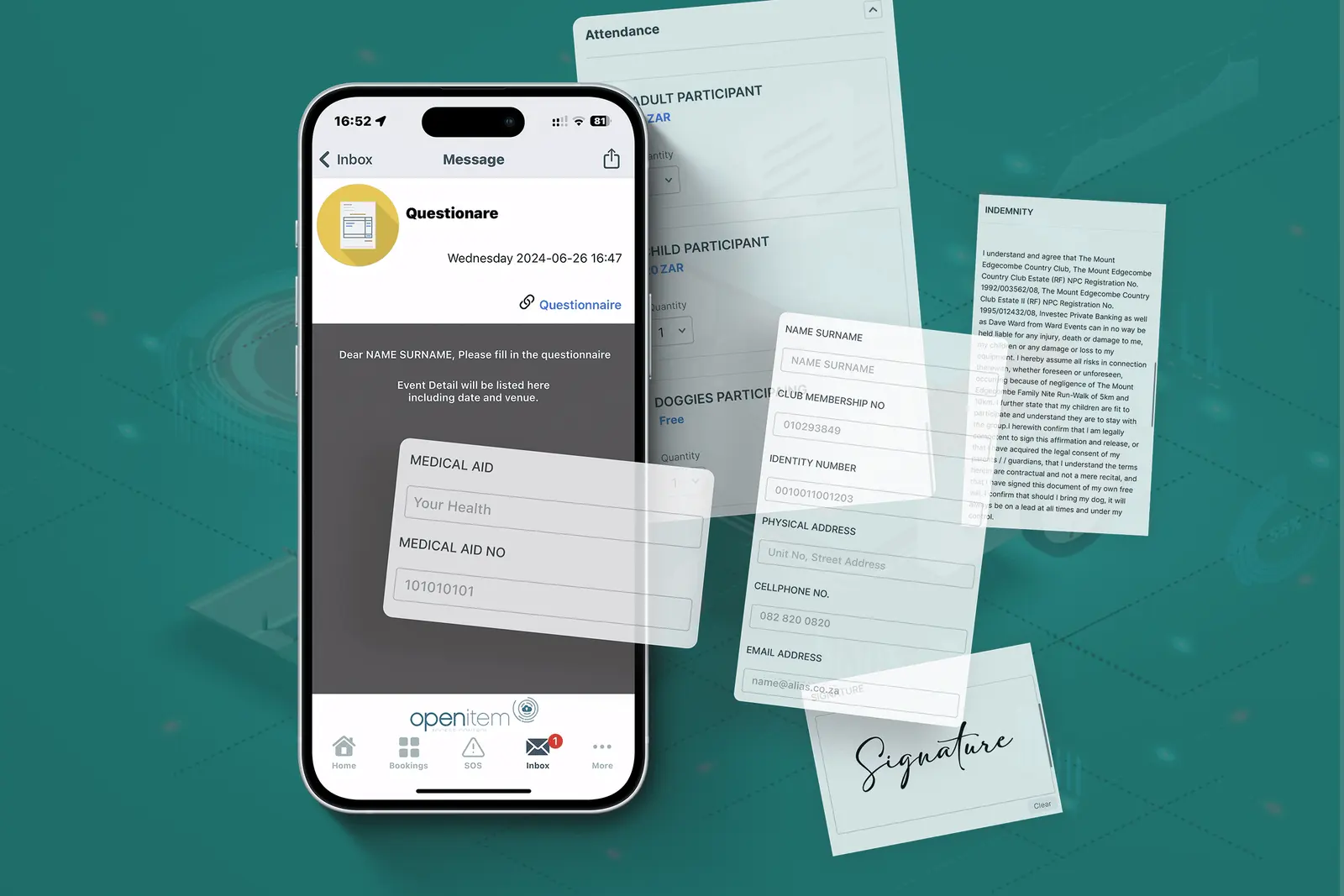
Onboarding is the busiest week of the year, and it is where the residence’s data quality is decided. Openitem replaces the clipboard with a workflow:
- Custom onboarding forms. Smart Forms & Questionnaires capture exactly what the residence needs — next of kin, sponsor or bursary details, dietary requirements, vehicle, medical aid — pre-populated from the student’s profile so nothing is typed twice.
- Know your student. Identity is verified against Department of Home Affairs records through the HANIS integration, with facial recognition with validation matching the face to the ID. International students’ passports and study visas are handled through visa and permit scanning.
- Leases that drive access. The Tenant & Rental Manager holds the lease, its dates, notes and documents. When the lease ends, the profile expires and access ends with it — no chasing cards back in December.
- Resources on tap. House rules, the lease, the fire plan and the Wi-Fi guide live in Resources and Documents, always the current version.
Access hardware
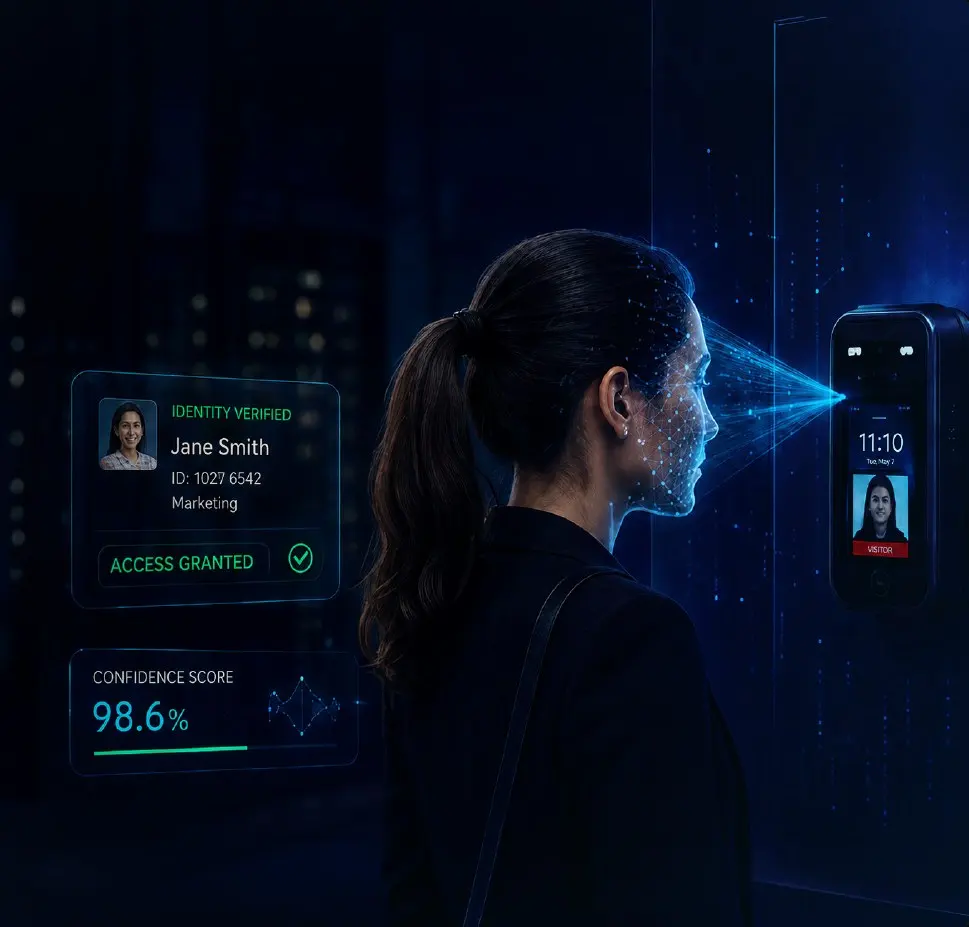
Facial access suits a residence better than cards: students cannot lend a face, forget it, or lose it during exams.
- At the main entrance and turnstiles, the Control iD iDFace Max handles high volumes with liveness detection, mask authentication and a built-in SIP intercom for the night guard.
- On internal doors, the standard Control iD iDFace gives the same recognition in a smaller unit.
- In tight spaces such as study rooms, meeting rooms and narrow door frames, a compact reader like the FAC’R Mini mounts where a full-size terminal will not fit.
A residence that wants facial entry without a full access-control back end can run it on Wygress, Openitem’s standalone entry platform, and integrate later.
SIP-enabled intercom
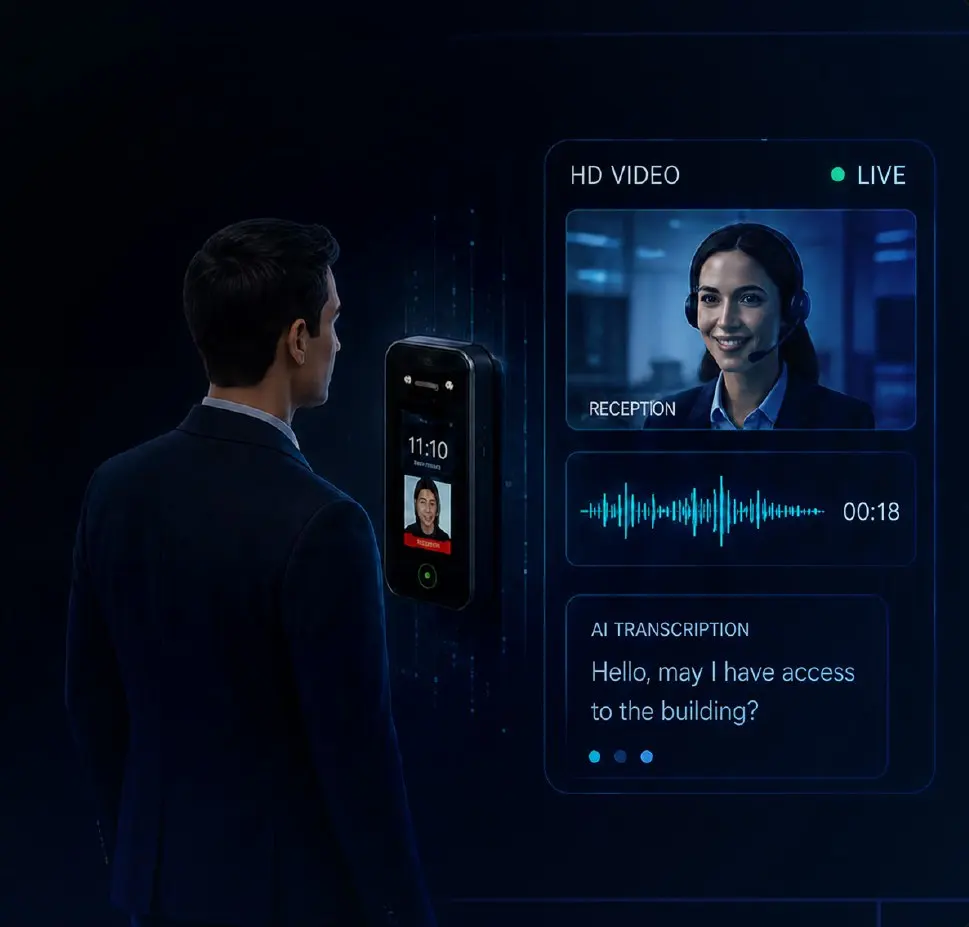
Every Control iD reader is also an intercom. A guest without a code, a courier, or a student who has left their phone in the room presses the reader and is put through to reception or the night guard over SIP video and voice. The guard sees who is at the door, talks to them and opens it remotely, and the call is logged against the entry.
- After hours — calls route to the security office, a control room or a duty phone, so a locked-out student is never talking to a closed door.
- Deliveries and taxis — the driver reaches the resident through reception rather than a shared gate code.
- One device — the same unit does facial access, intercom and attendance, which keeps the entrance uncluttered and the install cheap.
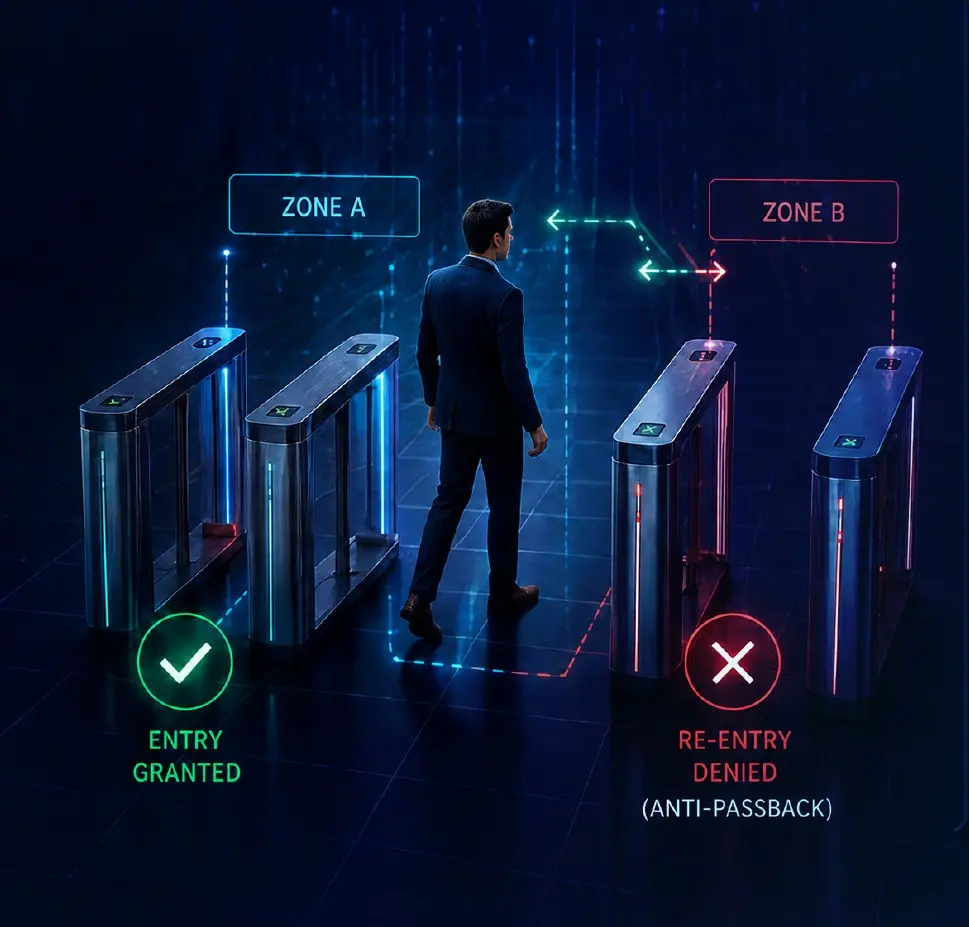
Anti-passback on face, QR and card
A face cannot be lent, but a card or a QR code can be passed back through the gate. Anti-passback rules apply across face, QR and card: a credential that has entered must exit before it can enter again.
- No tailgating by proxy — one student cannot swipe a friend in behind them or hand a card back over the turnstile.
- Honest headcounts — occupancy, evacuation and attendance figures stay accurate because every person inside came through the reader.
- Sleepover fees that stick — a guest cannot reuse a resident’s credential, so the registered-guest process is the only way in.
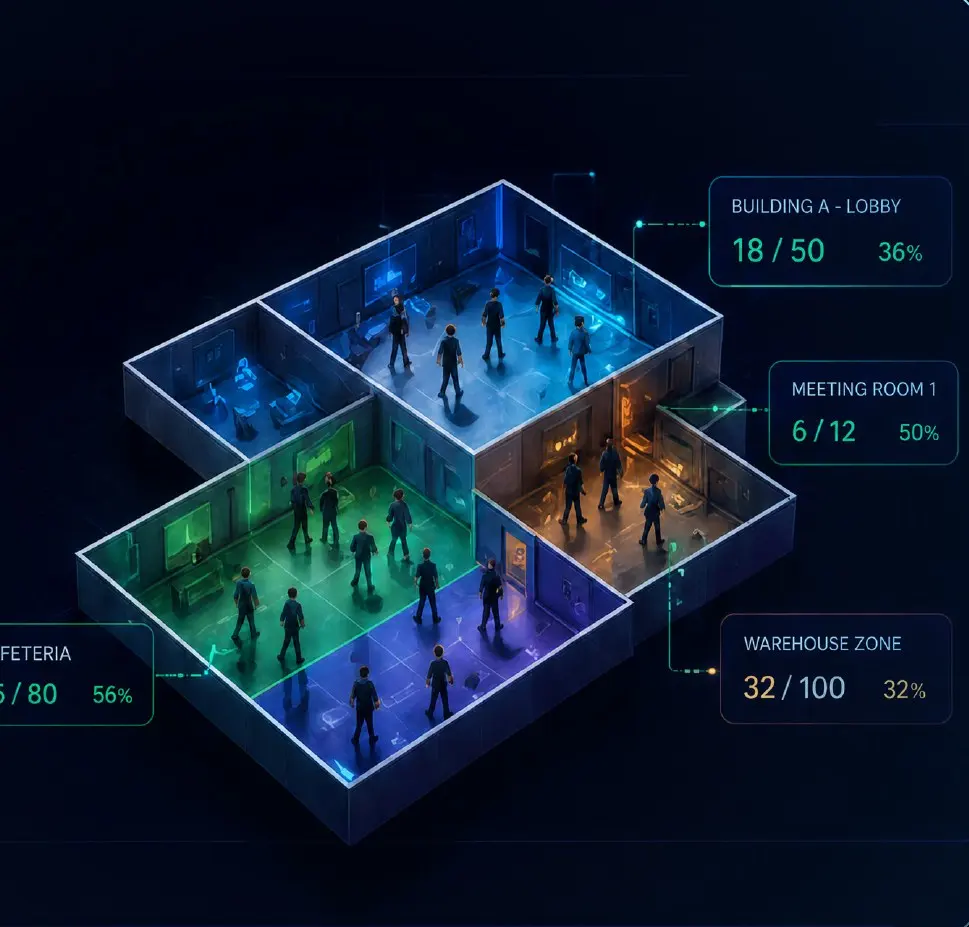
Real-time occupancy
Because every entry and exit is a verified identity event, the residence always knows who is inside. Zone occupancy shows the live headcount per building, wing and floor.
- Who is in tonight — occupancy per wing, updated as students come and go, without a sign-in book.
- Capacity in shared spaces — the study centre or games room shows how many are inside before anyone walks over.
- Attendance where it matters — the same events give cleaners’, guards’ and contractors’ hours through Staff Time and Attendance.
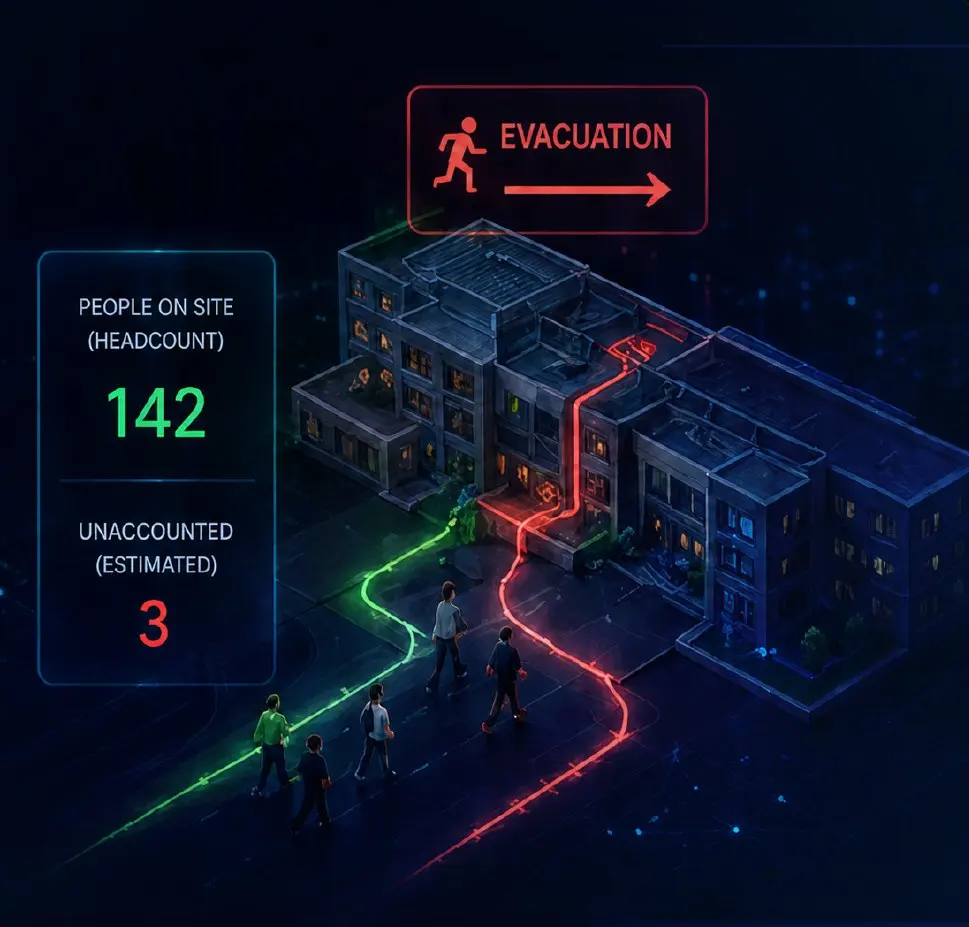
Evacuation support
In an emergency, evacuation support turns the same data into a live roll call at the assembly point: who is recorded on site, who has checked out, and who is still unaccounted for, listed by room. It supports the residence’s fire procedure rather than replacing it, and runs on the same Control iD readers as access, so there is nothing extra to install.
- Fire drill and real evacuation — a roll call the warden reads off a phone, with unaccounted-for students listed by room.
- Drills that teach something — every drill produces a timed report of how long the building took to clear.
- Wardens on phones — the roll call is on the warden’s handset, not on a clipboard left inside the building.
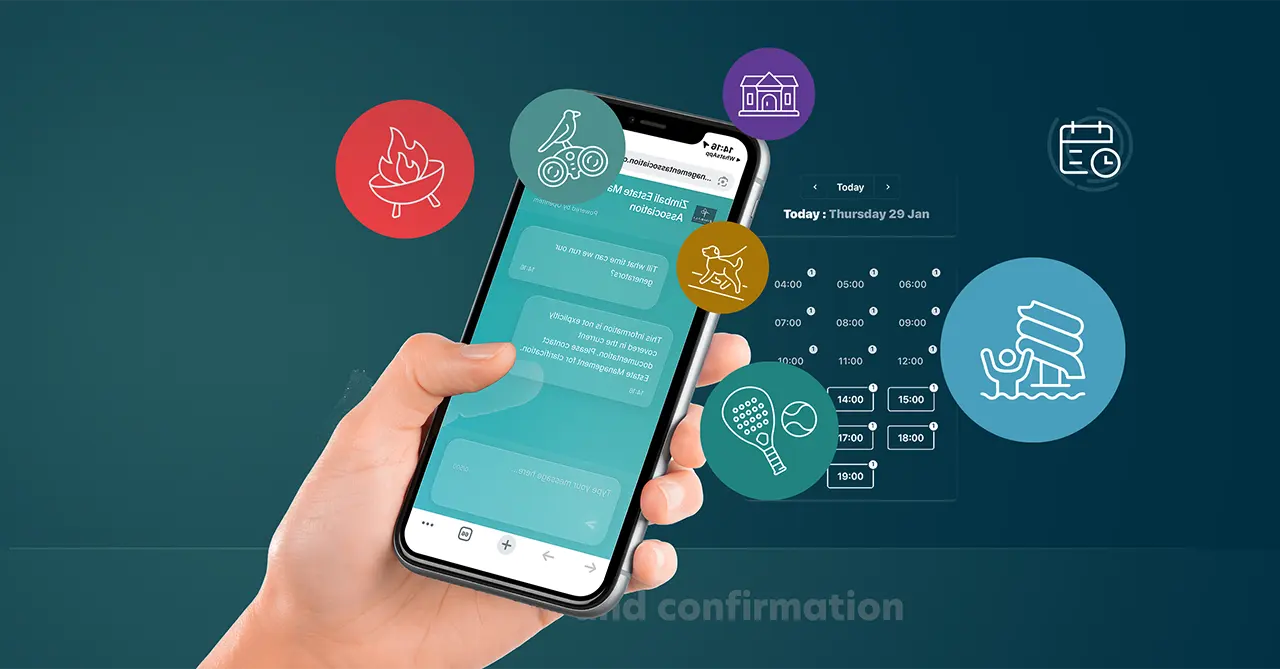
Facility bookings
Shared facilities are where residences generate the most friction, and the most rules. Amenity & Facilities Booking puts every rule in the booking, and the booking in the door:
- TV room, braai facility, snooker and games rooms, study and meeting rooms — each with its own slots, quiet hours, maximum bookings per week and, where needed, a deposit.
- The booking itself unlocks the room for the booked slot and nobody else, so a study room booked for exam week stays a study room.
- No-shows release the slot automatically; usage reports show which facilities earn their space.

Payments
Residences collect dozens of small payments a month. Electronic Payments and the In-app Store move all of them into the app, with Apple Pay, Google Pay and card:
- Sleepovers — the guest fee is paid when the guest is registered, and the access code is only issued once it is.
- Laundry — pay per cycle, no coins, no tokens.
- Utilities — prepaid electricity or metered top-ups against the room.
- Wi-Fi and internet — data or speed top-ups charged to the profile.
- Food and drink from the on-premises shop — order and pay in the app, or pay by face at the counter: cardless and phoneless, which is exactly how students turn up at a tuck shop at 11 pm.
Every payment is against a verified profile, so statements, refunds and bursary reconciliations are a report rather than a hunt through till slips.
Smart locks
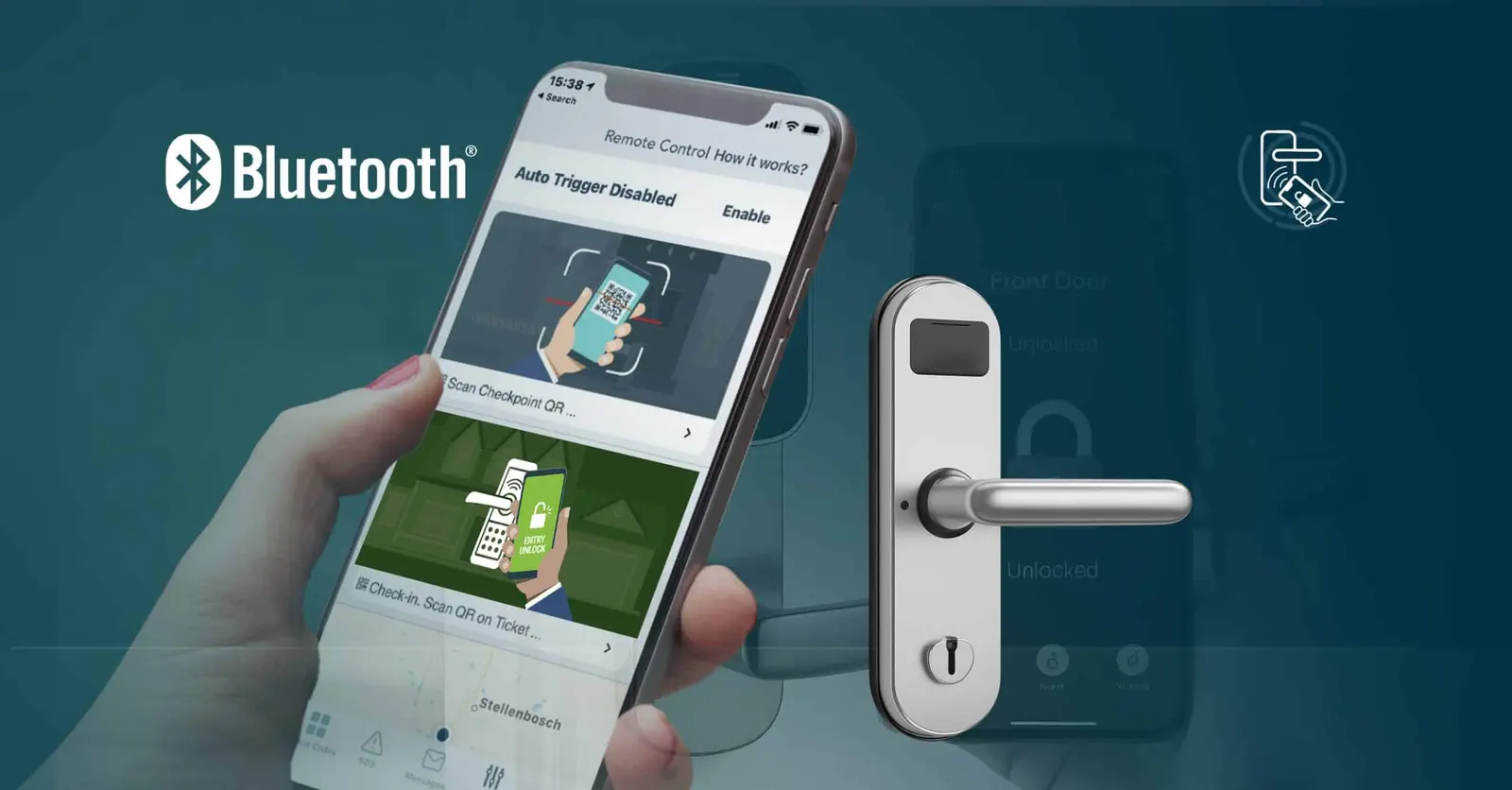
Smart Door Unlock turns the student’s phone into the room key, with KK Smart Locks on the doors:
- Shared rooms with private access — both occupants hold a key to the shared door, and each holds the only key to their own bedroom or cupboard.
- Keys are issued at check-in and revoked at check-out or the moment a lease is cancelled. No rekeying, no key deposits, no lost-key call-outs.
- A key can also be saved to Apple or Google Wallet with Add to Wallet for students who prefer a tap.
Support tickets and building maintenance
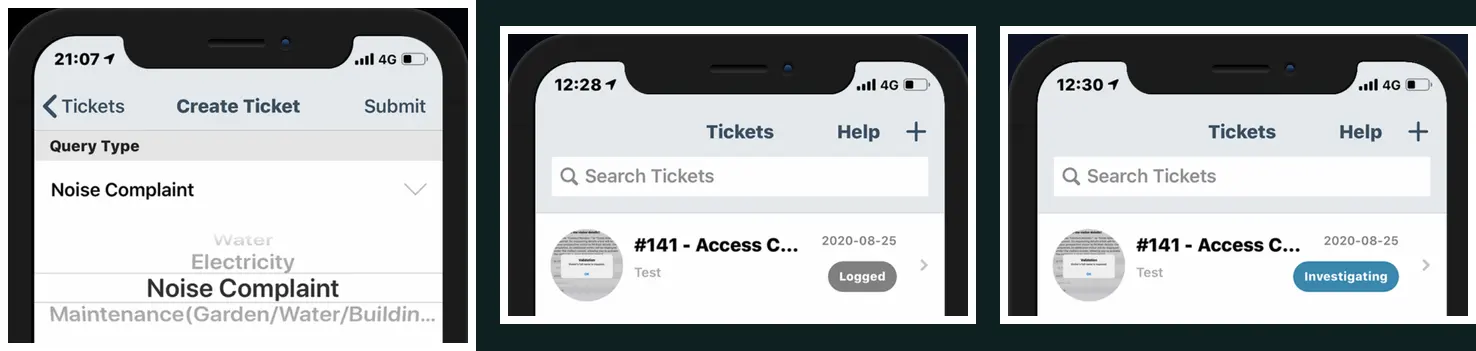
A residence is a building under constant load: geysers, lifts, Wi-Fi, laundry machines, locks and taps. Support Tickets turn every snag into a logged, trackable request instead of a WhatsApp message nobody can follow up. The student opens the Support tab, picks the category — plumbing, electrical, access, internet — describes the fault, attaches a photo, and the building manager is notified immediately. Every reply arrives as a push notification and stays in the app inbox, and the ticket carries a status from Logged through to Closed that the student can see.
- Snags at move-in — first-week faults logged room by room, so the handover list is complete and time-stamped.
- Faulty equipment — a laundry machine, a broken lock or a dead Wi-Fi point reported with a photo, and assigned to the right technician through Staff and Contractor Management.
- Building management — categories and statuses give the manager a live picture of open faults per block, response times and the recurring problems that belong in the maintenance plan.
- Accountability — everyone sees the same status, so “I reported it weeks ago” is a record, not an argument.

The AI assistant
The AI Estate Assistant answers the questions reception answers a hundred times a week — “is the braai free on Saturday”, “how do I add a guest”, “who fixes a leaking tap” — and takes the action: it books the slot, starts the guest registration, or logs the maintenance ticket. It knows the residence’s own rules because it reads the same documents the students do.
Beyond the basics
Everything above is what a residence asks for first. These are the features that tend to matter within the first term — guests and sleepovers done properly, safety at night, wing and floor rules, notices to 400 people at once, and move-out day. Reception gets the FAC’R Lobby self-registration terminal, and all of it sits under Openitem’s POPIA-compliant data protection.

Visitor Access Advanced Booking
Easily invite new visitors or companies to the estate with the Openitem Visitor Access Advanced…

Panic Button / Emergency SOS
The app includes a Panic Button that can be linked to security officers on site. Once sounded the…

Data Protection
Keeping your information safe and secure. At Wyobi, we take your information—and your customers’…

Staff and Contractor Management
Create Projects, manage Staff and Contractor Management Companies and vetted workers in our easy to…
Restricted-Zone Violation
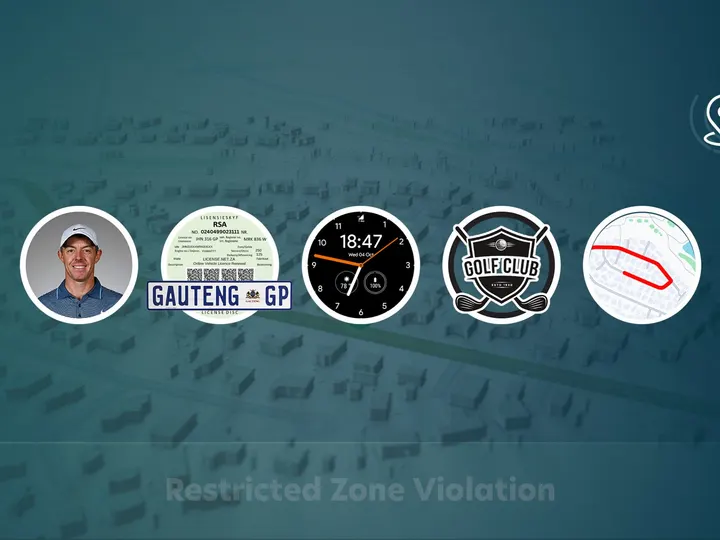
Openitem's Restricted-Zone Violation verifies visitor purpose, tracks…

Communication Portal
Communication Portal affords subscribers to Receive tickets, news, documents and notifications from…
Event Registration and RSVP
Openitem’s Event Registration and RSVP allows users to complete registration to pre-register and…

Goods Removal and Collections
Openitem’s goods removal feature streamlines and secures the process of removing items from residential…
The year, end to end
January: the student completes the onboarding form on their phone, is verified against Home Affairs, and walks in on their face with a room key already on their phone. During the year: they book the study room, pay for laundry and Wi-Fi, register a friend for a sleepover, and ask the assistant when the braai is free. November: the lease expires, the face and the key stop working, the deposit is settled against the statement, and the goods-removal pass lets the fridge out. Nobody printed a card, and nobody is chasing one.
Talk to us about your residence — one building or a portfolio.