


Feature
Support Tickets
Support Tickets
Residents can submit in-app support tickets for the residential estate, corporate office park or industrial site — a logged, trackable request instead of a phone call nobody can follow up.
In-app support ticket submission
Residents log their queries and complaints on the OpenItem app. Submission is instant, and the estate manager (supervisor function) receives an immediate notification carrying the support ticket details.
Every response from the estate manager arrives as a push notification on the resident's app and stays visible as a message in the app inbox. Residents can attach photos and screenshots to any ticket, so the person responding can see the problem.
Logging a ticket
- Open the app and go to the Support tab.
- Tap the Create New button (“+”).
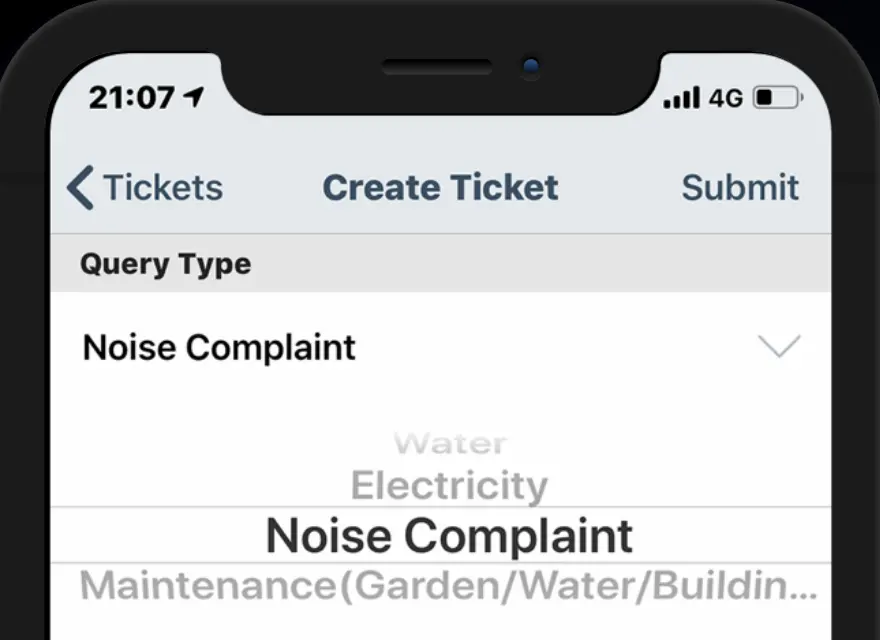
- Choose the query type from the dropdown — access control, electricity, meetings, visitor management, water and more.
- Describe the issue in the Notes field, attach a document if it helps, then tap Save.
- The ticket is logged and the administrator is informed.
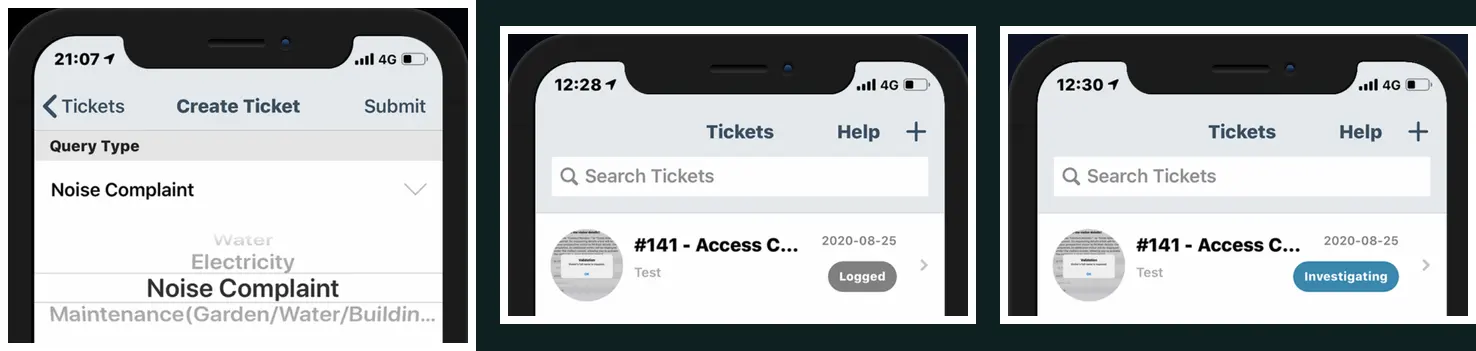
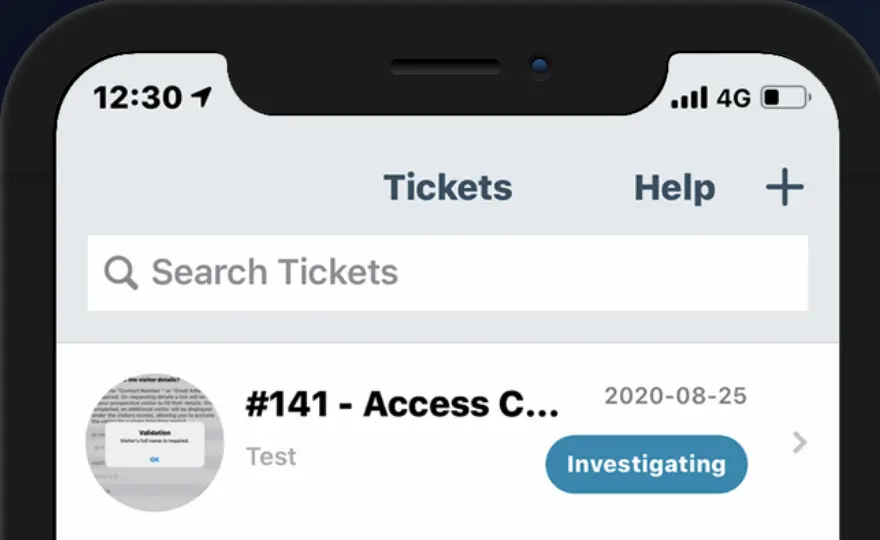
- Track progress on the Support Tickets screen as the status moves through Logged, Investigating, Resolved and Closed.
Categorised at the source
Choosing a query type routes the ticket to whoever handles that category and keeps the estate's reporting meaningful — water, electricity, noise, maintenance and access control stop arriving as one undifferentiated pile.
A status the resident can see
Each ticket carries its own state, so a resident can tell the difference between not yet read and being worked on without having to ask — and the estate has a record of how long that took.